Play with Bot 1 v 1
A one-tap shortcut into a live match against the bot. The quickest way to warm up, learn the table, and try a shot line before you play it for real.
Play with Friend(s) Online · 1v1 / 2v2
Pick a username, then add friends by searching for theirs. Tick one friend and hit Play with Selected for 1 v 1, or tick three for a 2 v 2 — the app hosts the room and invites them for you. No friends yet, or playing someone off-platform? Fall back to a plain host/join room code from the same screen instead.
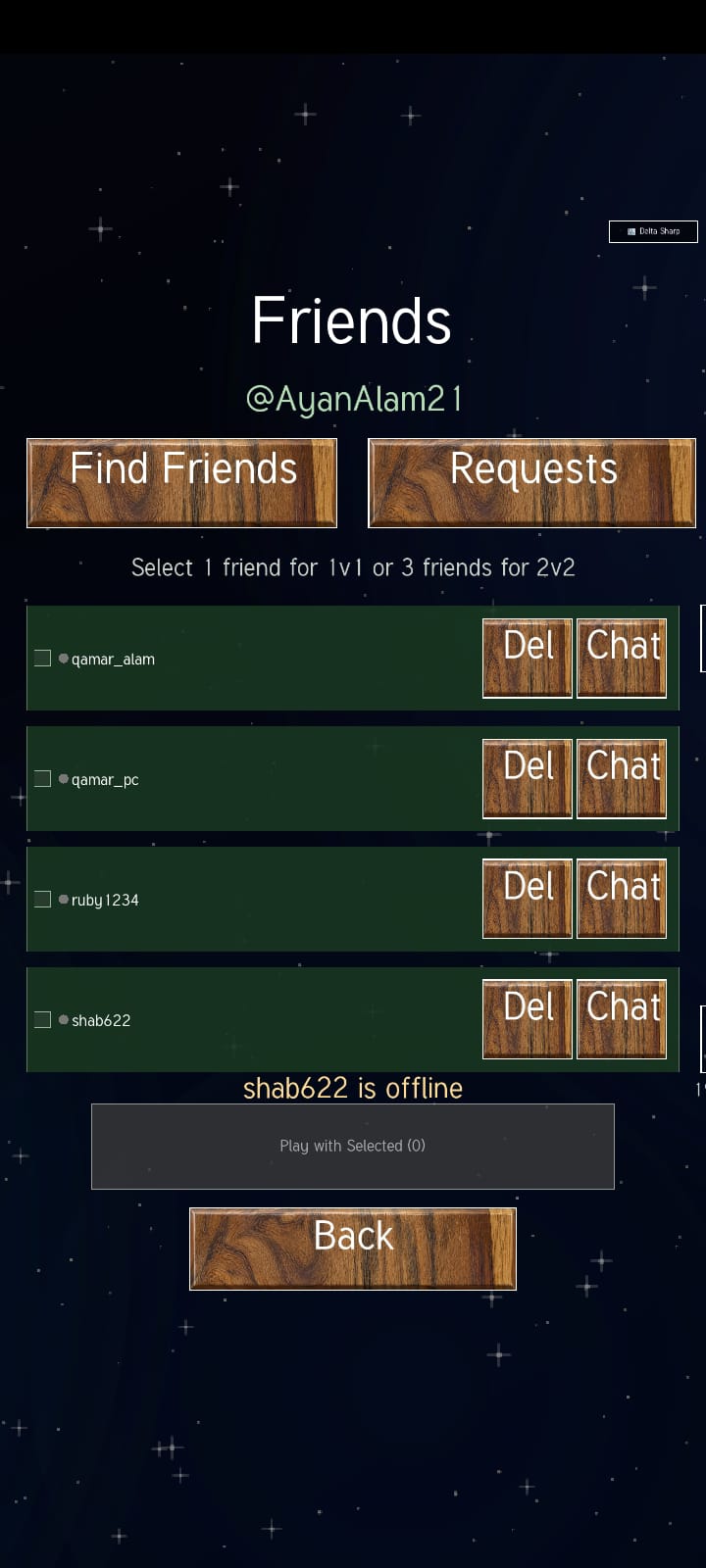
The Friends screen. Select 1 friend for 1 v 1 or 3 friends for 2 v 2.
Settings Carrom Sharp Lab · Sandbox
Tune the table's feel — bounce, friction, gravity, coin and striker weight, board style — then hit Start Experiment to play it live against the bot with the controls docked right beside the board, changes applying instantly as you drag.
Difficulty Levels
Carrom Sharp offers multiple difficulty levels, with each level changing the physics, aiming assistance, and amount of help provided while taking a shot. As the difficulty increases, the game gradually removes assistance and moves toward more realistic physics.
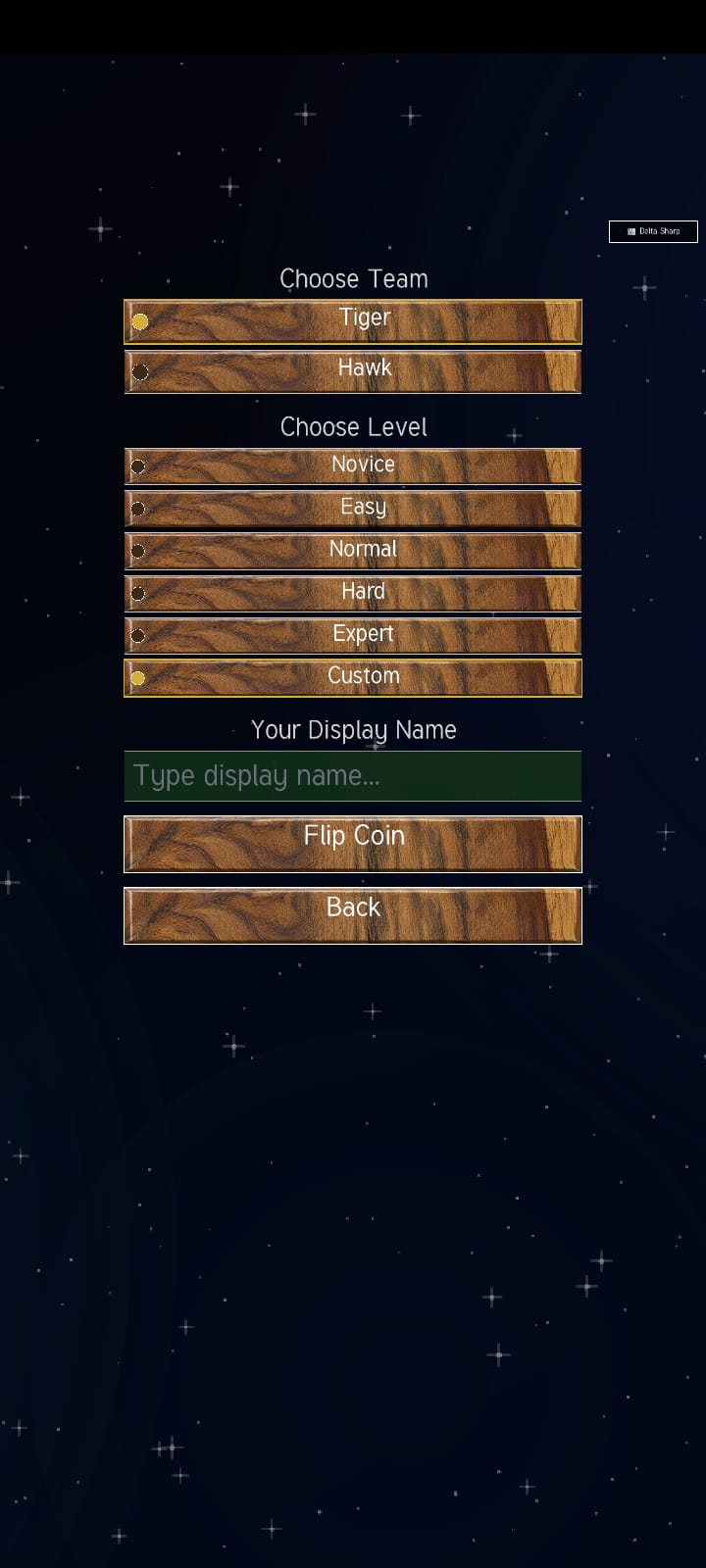
Choose your team, difficulty level, and display name before flipping the coin.
Novice
Novice is the most user-friendly difficulty level. The physics are extremely easy and forgiving, making it the simplest way to learn the game and get used to taking shots.
A yellow recommended-path line is displayed to help guide your shot. You can also double-tap the striker to activate the assisted shot, causing the striker to hit the selected coin and send it directly toward the pocket.
Easy
Easy provides a slightly more challenging experience while keeping the shot assistance available.
The yellow recommended-path line is available, and you can double-tap the striker to perform the assisted shot. The striker hits the selected coin and the coin is directed toward the pocket.
Normal
Normal introduces medium-level physics while still providing aiming assistance. The yellow recommended-path line remains visible to help you understand the suggested shot direction.
Unlike Novice and Easy, the double-tap assisted shot is not available. You must perform the shot yourself using the aiming and shooting controls.
Hard
Hard keeps the yellow recommended-path line to help with aiming, but the physics become realistic and less forgiving.
The double-tap assisted shot is not available. You must control the striker yourself and account for the more realistic movement and collisions of the pieces.
Expert
Expert is the most demanding standard difficulty level. The yellow recommended-path line is removed, so you must judge the shot direction yourself.
The physics are extremely realistic and provide the least assistance. Successful shots require you to understand the striker, coin movement, collisions, angles, and pocket positioning.
Before Starting a Match
Before starting a match, first select the game mode you want to play. After selecting the mode, configure the available match options such as your team, difficulty level, and nickname.
Once your selections are complete, choose Flip Coin to determine which player starts the match.