01 What this is
Carrom Sharp is a physics-driven take on the classic tabletop game of carrom. You flick a heavy striker from your baseline to knock your light or dark carrom men into the four corner pockets — and you must pocket and cover the Red Queen to claim her points.
Play a quick match against the built-in bot, Play with friends online by adding them through the in-game friends system or inviting them with a link generated by the game, or drop into the Feel the Physics sandbox to bend the rules of the table itself. Matches run as singles (1 v 1) or doubles (2 v 2), and a full Match is a series of boards played to a target score.
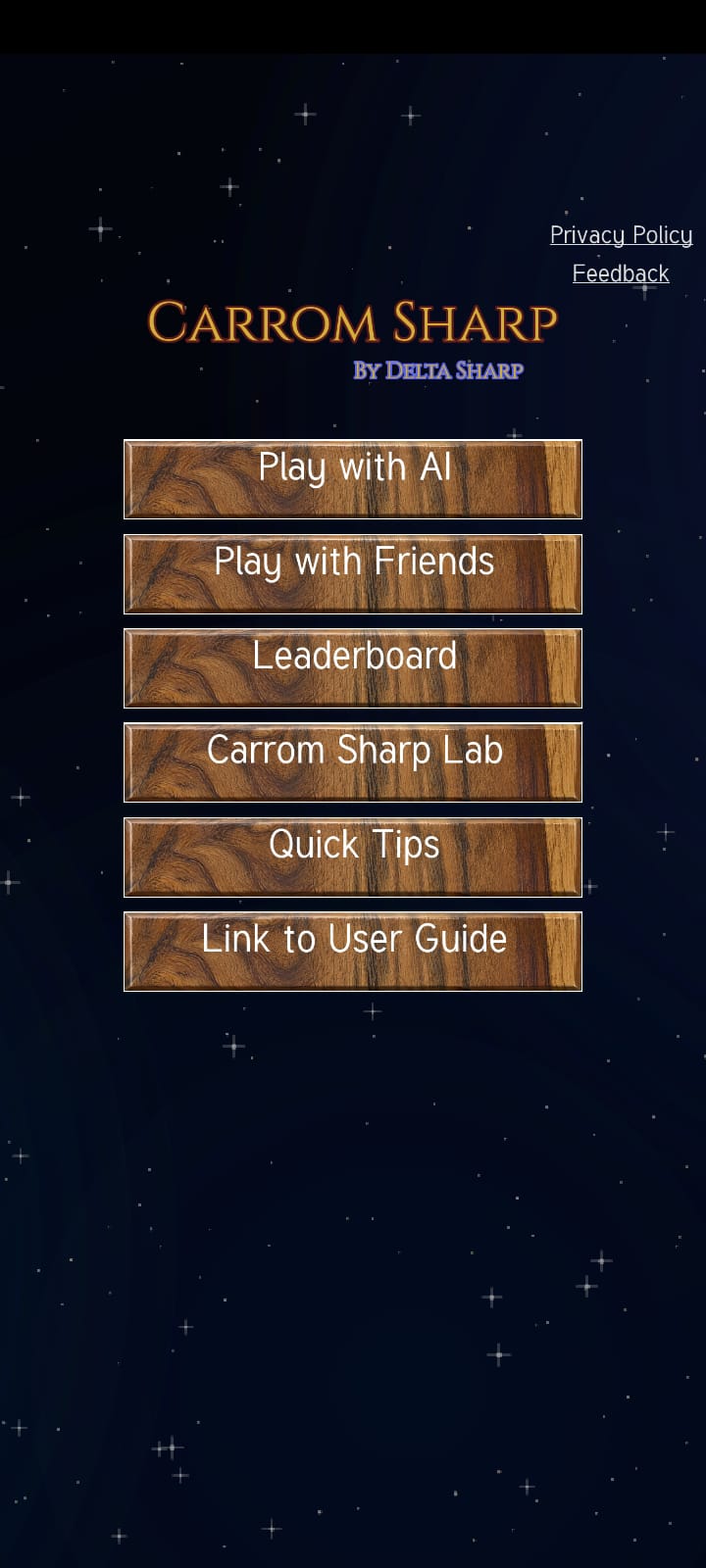
The Carrom Sharp main menu. Choose a game mode to get started.
02 Game modes
Pick a mode from the main menu.
Play with AI 1 v 1
A live match against the computer. The quickest way to warm up, learn the table, and try a shot line before you play it for real.
Play with Friend(s) Online · 1v1 / 2v2
Play with friends online by adding them through the in-game friends system or inviting them with a link generated by the game. Name your teams, settle colors with a coin toss, and play turn-by-turn over the internet. When a board ends, either side can propose the next round — the other just has to accept.
Carrom Sharp Lab Sandbox
A live 1 v 1 with a floating control panel docked to the board. Drag a slider and the change takes effect immediately — retune friction, bounce, gravity, and the striker's weight, adjust the music and effects, and switch the board style while you play. Details on the Physics & Settings page.
03 In this guide
Everything is split into short, focused pages — pick where you want to start.